How to Record Armani Watch Return Shipping Costs
Inside this note
When returning an Armani watch, the easiest thing to confuse is the difference between "amount already paid" and "parcel fees that only arise after the item reaches the warehouse." The amount shown on the product page cannot be directly treated as the final landed cost; service fees, payment processing fees, packaging reinforcement, storage, and international shipping may not all be confirmed at the same time. This article uses the preparation for returni
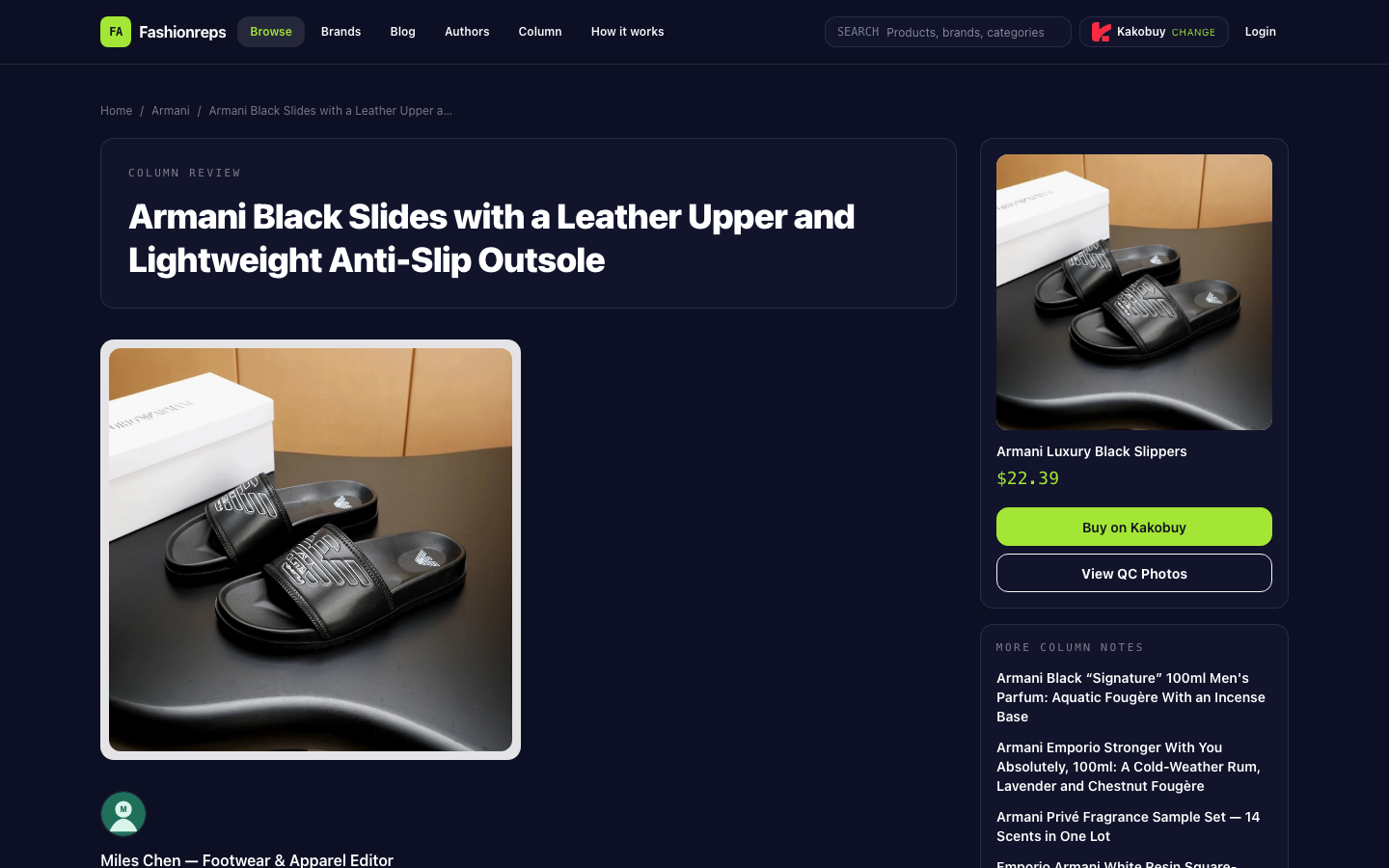
When returning an Armani watch, the easiest thing to confuse is the difference between "amount already paid" and "parcel fees that only arise after the item reaches the warehouse." The amount shown on the product page cannot be directly treated as the final landed cost; service fees, payment processing fees, packaging reinforcement, storage, and international shipping may not all be confirmed at the same time.
This article uses the preparation for returning an Armani watch as the scenario, focusing on how to record confirmed fees, and which items must wait until the warehouse weighs and measures the parcel and obtains an official route quote before calculation. Because the publicly verified page currently shows an Armani footwear product page instead of the target watch page, this article does not cite specific price, inventory, weight, or shipping figures for the watch.

Image caption: Page illustration, only to show where to record on the product page and purchase flow, not representing the actual item, inventory, quality inspection, or actual shipping costs of the Armani watch.
First create a record that corresponds only to this watch
Before placing the order, first create a unique record for this watch. At a minimum, save a screenshot or archive of the product page, and record the style name, variant, color, size, quantity, displayed currency, page timestamp, and product page URL. If the same page has multiple variants, do not just record "Armani watch"; also note which variant you selected.
The purpose of this step is to avoid mixing in amounts from another watch, another color, or another parcel. Subsequent payment records, warehouse inbound records, and international waybills should all be traceable to the same product identifier.
Split fees into two stages
The most practical division is to split fees into the purchase stage and the return stage. The purchase stage is usually confirmed around the product page and payment checkout page; the return stage must wait until the item is in the warehouse, the parcel is consolidated, and the route quote is available.
| Fee item | When to record | Basis for recording |
|---|---|---|
| Product amount | Before ordering or at payment | Currency, style, quantity, and final amount on product page and checkout page |
| Discount or promotion | At payment | Whether actually applied on checkout page, and applicable conditions |
| Service fee | At checkout or in order details | Shopping agent order details |
| Payment processing fee | After actual payment | Additional fee on payment page or bill |
| Packaging reinforcement fee | After selecting service and confirmation | Warehouse service details; do not estimate before selection |
| Storage fee | After exceeding platform-specified period | Warehouse bill and billing rules |
| International shipping fee | After inbound, weighing, and quote | Official route quote or agent settlement page |
| Taxes and destination fees | Determined by route and destination rules | Route description, official calculator, or carrier information |
Product amount: record only the number actually confirmed on the page
The product amount should be based on the target watch page and the actual checkout page. You need to record the currency as well, because different pages may use different currencies, and the payment account may also involve currency conversion.
If the page only shows a reference price, original price, or pre-promotion price, do not write it down directly as the paid amount. Only after the checkout page clearly applies the discount can you record the discounted product amount. For coupons, member discounts, or tiered reductions, also keep the applicable conditions; if the conditions are not met, you cannot include the estimated discount in the total cost.
The currently verified fashion-reps public page shows Armani black slide information, which includes a reference price and a note that "final product price, service fee, and international shipping must be confirmed on the shopping agent website." That page is not an Armani watch page, so its price cannot be used as a substitute for the watch amount, nor can it be used to infer watch inventory, material, weight, or shipping costs.
Do not combine payment fees and service fees
Service fees are charged by the shopping agent or related platform for proxy purchasing, inbound handling, and other steps; payment processing fees may come from the payment channel, bank card, or currency conversion process. The charging entities and calculation bases are different, so it is best to record them separately.
After payment, put the order details and payment bill under the same watch record, and fill in separately:
- Product amount and currency
- Actual discount amount and applicable conditions
- Platform or agent service fee
- Payment channel processing fee
- Currency conversion amount, exchange rate source, and conversion time
- Actual debited amount
If the bill only shows a total amount without itemized fees, do not try to reverse-calculate proportions yourself. You can record it as "total payment to be split" and keep the bill screenshot to avoid mistakenly attributing unknown fees to the product price or service fee.
Packaging and storage: wait until actual status appears
Packaging reinforcement is not automatically applied to all parcels, and you cannot assume a specific fee just because the watch is fragile or high-value. Only record it as a confirmed fee when the warehouse provides a packaging service option, shows the charge amount, or the order details confirm it.
Storage fees also depend on inbound time, free period, and actual outbound time. When the watch has not yet arrived at the warehouse, you should not write future possible storage fees into the total. If platform rules do not clearly state the free period or billing unit, mark it as "to be confirmed by platform" and do not fill in estimated numbers.
International shipping: wait for weight, dimensions, and route quote
International shipping typically requires at least checking the following information:
- Actual parcel weight
- Parcel length, width, height
- Carrier route and service type
- Destination country or region
- Whether billing weight is actual weight or volumetric weight
- Whether insurance, fuel surcharges, or other additional items are included
- Quote validity period and currency
The single item weight on the watch product page cannot replace the warehouse weighing. Packaging boxes, protective materials, and consolidation methods will change the final billing weight; if the route charges by volumetric weight, parcel dimensions will also directly affect the quote.
Therefore, until the warehouse completes weighing and measuring and the official route returns a quote, the international shipping fee should be marked as "unconfirmed" rather than filling in a rough amount. If the quote page only gives a starting price, range price, or excludes additional fees, you cannot treat the starting price as the final shipping fee.
Exchange rates: bind to specific time and specific amount
Currency conversion records should at least include the original currency, converted currency, exchange rate source, query time, and actual debited amount. Do not use the exchange rate from the article publication date or later to backfill into payments that have already occurred.
If the platform order shows one currency and the payment bill is debited in another currency, keep both amounts. If you cannot confirm the exchange rate used by the platform, or the bank card statement includes cross-border fees, you can record the actual debited amount and list the exchange rate difference and bank fees as items to be verified.
Set stop conditions before payment
Stop payment or stop shipping immediately if any of the following occurs, until the information is complete:
- The target watch's style, variant, or quantity cannot be matched to the order details
- The page only shows a reference price, and the checkout page has not confirmed the final product amount
- Discount conditions are not met, but the order has been calculated at the discounted price
- Service fees or payment processing fees only have a total amount, and you cannot determine if there are duplicate charges
- The warehouse has not provided actual weight and parcel dimensions
- The route quote does not specify destination, billing weight, or validity period
- The shipping quote is unclear whether insurance, surcharges, or taxes are included
- The currently verified page does not match the target watch and cannot support specific product judgment
Final review sequence
Before outbound, review in the following order to reduce the risk of duplicate payments and mismatched parcels:
- Use product page records to check watch style, variant, currency, and quantity.
- Use the checkout page to check product amount, actual discount, and service fee.
- Use the payment bill to check payment processing fee, currency conversion amount, and actual debit.
- Use warehouse records to check inbound time, packaging service, storage status, actual weight, and dimensions.
- Use the official route quote to check destination, billing weight, shipping method, and quote validity.
- List taxes, insurance, and possible destination fees separately, not combined with paid amounts as one item.
- Confirm every fee can be linked to the same watch and the same parcel before deciding to pay or ship.
If any item can only be inferred, the final record should explicitly say "to be confirmed" instead of filling the table with estimates. This way you can see both the expenses already incurred and what evidence is still missing before the return.
Community feedback
0 approved
- No approved comments yet.